
Top-rated learning management software platforms by use case, team size and budget
Start with our expert picks, then switch tabs to narrow by use case, team size, budget, team type or industry. Prices are in US dollars on yearly billing unless a row says otherwise.
- TalentLMS: Best for companies that want a free start and a flat price, because Free covers 5 users and Core is $1,428 a year for up to 40.
TalentLMS
- 360Learning: Best for teams where staff write the courses, because co-authoring is listed on all three plans.
360Learning
- Docebo: Best for large companies training staff, customers and partners, because its pricing page says one platform serves all three.
Docebo
- Absorb LMS: Best for mid-size and large companies, because its quote form covers learner bands from 1 to 50 up to more than 25,000.
Absorb LMS
- Litmos: Best for compliance training at larger companies, because it lists assessments, e-signatures and enrollment approvals.
Litmos
- Disprz: Best for skills-led learning at larger companies, because Enterprise lists a skills ontology and career pathways.
Disprz
- LearnUpon: Best for 100 or more people, because the vendor says it is not a fit below 100 users.
LearnUpon
- LearnWorlds: Best for selling branded courses, because Pro Trainer has no enrollment fees and lists SCORM uploads.
LearnWorlds
- Thinkific: Best for selling courses on published monthly prices, because three plan prices are published and courses are unlimited.
Thinkific
- Moodle: Best for teams with IT help, because its docs say there are no licensing fees and the team hosts it.
Moodle
Best forOur picks
- Employee onboarding and compliance trainingAssign, track, prove
TalentLMS is free for 5 users and $1,428 a year for up to 40. Litmos lists assessments, e-signatures and enrollment approvals from $8K a year, and Absorb LMS quotes by learner count.
- Company-wide upskilling and learning pathsStructured journeys
TalentLMS lists Learning Paths from Core, 5 on Grow and unlimited on Pro. Disprz Enterprise lists career pathways and skill-based assessments, and Docebo lists personalization for every audience.
- Customer and partner trainingExternal learners
LearnUpon sells customer education from 300 users. Docebo's page says one platform serves employees, customers and partners, and Absorb LMS quotes up to more than 25,000 learners.
- Selling courses as a B2B productPaid training for other companies
Thinkific Grow lists B2B sales and invoicing at $164 a month billed yearly. LearnWorlds Pro Trainer is $79 with no enrollment fees, at the early bird price.
- Free or open sourceNo license fee
Moodle's software has no licensing fees, and TalentLMS Free covers 5 users and 10 courses.
Best forOur picks
- 1 to 5 peopleA very small team
TalentLMS Free covers 5 users and 10 courses, Moodle has no license fee, and Thinkific Start is $984 a year for selling courses.
- 6 to 25 peopleA small team
360Learning Team is $960 a year at 10 users and $2,400 at 25. TalentLMS Core is $1,428 for 1 to 40 users, and LearnWorlds Starter is $528.
- 26 to 100 peopleA growing company
At 100 users, TalentLMS Pro is $5,388 a year and 360Learning Team works out to $9,600. Litmos starts at $8K a year.
- More than 100 peoplePast the small-team plans
LearnUpon's employee plans start at 100 users, Litmos starts at $8K a year, and Absorb LMS quotes in bands up to more than 25,000 learners.
- Large programsMany audiences or business units
Docebo Enterprise lists extended enterprise for up to 10 domains. Absorb LMS quotes up to more than 25,000 learners, and Disprz labels Enterprise most chosen by 1,000+ employee orgs (its own claim).
Best forOur picks
- Free to startNo card needed
TalentLMS is free for 5 users and 10 courses, and Moodle's software has no license fee.
- Under $1,000 a yearYearly billing
360Learning Team is $480 a year at 5 users and $960 at 10. LearnWorlds Starter is $528, and Thinkific Start is $984.
- $1,000 to $5,000 a yearMid-range
TalentLMS Core is $1,428 for up to 40 users and Grow is $2,748. Thinkific Grow is $1,968 and Expand is $4,488.
- More than $5,000 a yearAbout 100 users or more
TalentLMS Pro is $5,388 for up to 100 users, Litmos starts at $8K a year, and 360Learning Team works out to $9,600 at 100 users.
- Quote onlyAsk for a price
None of the four publishes a price. LearnUpon's page says it is not a fit under 100 users.
Best forOur picks
- HR and people teamsOnboarding and upskilling
TalentLMS is flat at $1,428 a year up to 40 users, Disprz Enterprise lists career pathways and IDPs, and Absorb LMS has 4.6 on G2 from 1,007 reviews.
- Compliance and operations teamsProof of completion
Litmos lists assessments, e-signatures and escalations. Docebo lists certification and compliance tracking, and Absorb LMS lists compliance training among its use cases on G2.
- Customer success and enablement teamsTraining customers
LearnUpon runs a customer education product from 300 users, Docebo lists multi-audience support, and LearnWorlds lists a 30-day trial.
- Marketing and product teamsSelling training
LearnWorlds Pro Trainer has certificates and SCORM uploads at $79 a month, and Thinkific Start is $82 a month billed yearly.
Best forOur picks
- HealthcareRegulated care teams
Vendor pages only. Docebo lists a healthcare page with HIPAA regulations training, TalentLMS markets a healthcare page with certifications for regulatory requirements, and Absorb LMS markets a healthcare landing page.
- ManufacturingSafety and production
Vendor pages only. TalentLMS markets a manufacturing page with employees certified for compliance and safety, and Docebo lists a manufacturing page with an OSHA safety course.
- RetailStore and frontline teams
Vendor pages only. Docebo and TalentLMS each list a retail page, and Disprz publishes a guide to learning management software for retail on its own site.
- Financial servicesBanking and insurance
Vendor pages only. TalentLMS markets compliance tracked automatically and certificates issued on completion, and Docebo's page lists automated re-certification.
How we evaluate learning management software vendors
How we built the shortlist. We researched and compared review sites such as G2, vendor roundups, each vendor’s own pricing and product pages, and other public sources, all read on 18 November 2026. From that we kept ten tools that businesses can buy for staff training, customer and partner training, course selling, or a free start.
What we did not do. We did not copy a ranking from Google, from a vendor’s own marketing page or from an AI assistant. We took no vendor claim of being the best as proof. We did not use any of these tools, and we read no Reddit pages.
Every tool gets the same seven checks, all from public pages read on 18 November 2026. We show no total score.
- Price at your size 20%. Yearly cost at 5, 10, 25 and 100 users where the vendor publishes a price, and "quote only" where it does not.
- Features and capabilities listed 20%. Which of the features in our key features list the vendor's own pages show, such as authoring, assessments, reporting, certification, SCORM or xAPI, integrations and course selling.
- Fit for the market it serves 15%. Whether the vendor's own pages say who it is for, such as companies, customers or course sellers.
- What reviewers raise 15%. Comes from the user pain points counted on G2 (30 most recent reviews per tool, by keyword) and on Capterra (review text read for TalentLMS only).
- Free plan or free entry 10%. Whether a free plan or free software exists, its caps, and the fewest users the vendor says it sells to.
- What the plan caps 10%. Limits on users, courses, learners, admins and per-sale fees on each plan.
- G2 rating and review volume 10%. Rating and review count as G2 shows them.
Read the full SaaSReviewz.com methodology, the scoring criteria, weights, and the data we collect for every tool.
Ten learning management software platforms side by side: price, caps and G2 rating
You are choosing learning management software for your company. This page gives a pick for each use, from staff onboarding to selling courses, with prices from each vendor's own page and G2 ratings read on 18 November 2026.
| Tool | Best for | Starting price | Free trial | External rating |
|---|---|---|---|---|
Best for companies that want a free start and a flat price | $119 per month, billed yearly (Core, 1 to 40 users) | Free plan: up to 5 users and 10 courses, no credit card | G2 4.6/5 (821 reviews) | |
Best for teams where staff write the courses | $8 per user per month, billed monthly (Team, up to 100 users) | Team plan has a Try it for free button; trial length not stated on the page we read | G2 4.6/5 (661 reviews) | |
Best for large companies training staff, customers and partners | Quote only. An entry plan and an Enterprise plan | Not stated; the page points to speaking with a learning expert | G2 4.3/5 (752 reviews) | |
Best for mid-size and large companies | Quote only, by learner count | Not stated on the page we read | G2 4.6/5 (1,007 reviews) | |
Best for compliance training at larger companies | Starting at $8K per year (Foundation); Platinum from $15K per year | Not stated on the pricing page; G2 shows a Try Litmos free button | G2 4.3/5 (701 reviews) | |
Best for skills-led learning at larger companies | Quote only. Plans are Essentials and Enterprise | No trial stated; the page offers a demo and a product tour | G2 4.4/5 (96 reviews) | |
Best for 100 or more people | Quote only; employee plans start at 100 users | No trial listed; the page points to booking a demo | G2 4.5/5 (262 reviews) | |
Best for selling branded courses | $44 per month, billed yearly (Starter, early bird price until 24 November 2026) | 30-day free trial, per the pricing FAQ | G2 4.7/5 (404 reviews) | |
Best for selling courses on published monthly prices | $82 per month, billed yearly (Start) | Free trial on every plan; length not stated on the page we read | G2 4.4/5 (427 reviews) | |
Best for teams with IT help | Free open-source software; hosting and support cost extra | Free download; MoodleCloud is a separate hosted option and its price was not captured | G2 4.1/5 (463 reviews) |
What is learning management software?
Learning management software is a web platform where a company stores courses, assigns them to people, and records who finishes. It also scores quizzes and reports on progress.
Which learning management software platform is best? The short answer by use case
If you train staff at a company, pick TalentLMS. It’s free for 5 users, and Core costs $1,428 a year for up to 40. If you’ve under 15 people, 360Learning is cheaper at $8 per user per month. If compliance is the job, look at Litmos. If you sell courses, pick LearnWorlds or Thinkific. If you’ve 100 or more learners and want customer training too, ask LearnUpon, Docebo or Absorb LMS for a quote.
| Your situation | Best pick | Why (one sourced fact) | What it costs you at your size |
|---|---|---|---|
| Staff training at a company of up to 40 | TalentLMS | The free plan covers 5 users, and Core is flat for 1 to 40 users | $0 to 5 users, then $1,428 a year |
| 10 people, paying per head | 360Learning | Team is billed monthly with no annual commitment | $960 a year at 10 users |
| Staff write the courses | 360Learning | Co-authoring is listed on all three plans | $2,400 a year at 25 users |
| Compliance training is the main job | Litmos | It lists assessments, e-signatures and enrollment approvals | From $8K a year |
| Customer and partner training at 100 or more | LearnUpon | Employee plans start at 100 users, and customer education at 300 | Quote only |
| Learning tied to skills and careers | Disprz | Enterprise lists a skills ontology and career pathways | Quote only |
| A large program with many audiences | Docebo | Its pricing page says one platform serves employees, customers and partners | Quote only |
| Selling courses on a published price | Thinkific | Three plan prices are published, with unlimited courses | $984 a year on Start |
| Selling branded courses | LearnWorlds | Pro Trainer has no enrollment fees and lists SCORM uploads | $948 a year at the early bird price |
| No license fee, with IT help | Moodle | Its docs say there are no licensing fees | $0 for the software; hosting not read |
Each row is one tool for one need. It states the fact behind the pick and the yearly cost at that size, from the vendor pages we read on 18 November 2026.
Before you ask for a quote. Three of the ten rows say quote only, and they’re the tools pitched at big programs: 100 or more learners, or skills and career setups. Under 40 staff, TalentLMS lists Core at $1,428 a year for 1 to 40 users, and 360Learning lists $960 a year at 10 users. You probably don’t need a sales call yet. That’s from vendor pricing pages read on 18 November 2026, not from running the platforms.
Key features to look for in a reliable learning management software platform
Every learning management software platform stores courses, assigns them to people and records the results. The features below decide how well it does each job. Match them to the use case before comparing prices.
- Course creation and management. Authors build lessons from documents, video and quizzes, then group them into courses. Some platforms also draft content with AI. Ask whether one course can be reused for several groups and updated once.
- Learner management and enrollment. Admins add people by hand, by file or by self sign-up, then place them in groups with roles. Mobile access, badges and leaderboards help people finish. Ask how fast a new hire can be enrolled, and whether learners can use a phone.
- Assessments and quizzes. Quizzes and tests show who understood the material. Look for several question types, pass marks and retakes. Ask whether results are scored for you and stored with the learner record.
- Reporting and analytics. Reports show who finished, who is overdue and how people scored. This is the proof managers and auditors ask for. Ask whether custom reports can be built, scheduled and exported.
- Content standards. SCORM and xAPI are shared formats that let a course be bought or built once and run on many systems. They matter most for ready-made training. Ask which versions the platform plays and whether they come with every plan.
- Certification and compliance tracking. Certificates, expiry dates, reminders, retraining and signatures give a record that people were trained. Compliance teams need this most. Ask how the platform handles renewals and who can edit records.
- Integrations and single sign-on. Links to the HR system, CRM, video meeting tool and sign-in service save admin time. Single sign-on means one login for each person. Ask which integrations are built in, which need extra fees and which plan unlocks sign-on.
- External audiences and selling. Customer and partner training needs separate portals, custom branding and limited access. Selling courses adds payments, prices and invoices. Ask whether the platform supports separate groups, custom domains and the payment methods required.
If your main job is onboarding or compliance, put learner management, reporting and compliance tracking first. If you buy ready-made courses, check content standards. If you train customers or sell courses, check external audiences and selling. If you want free or open-source software, ask who will host and maintain it.
Recommended learning management software vendors reviewed: who each one fits and what you give up
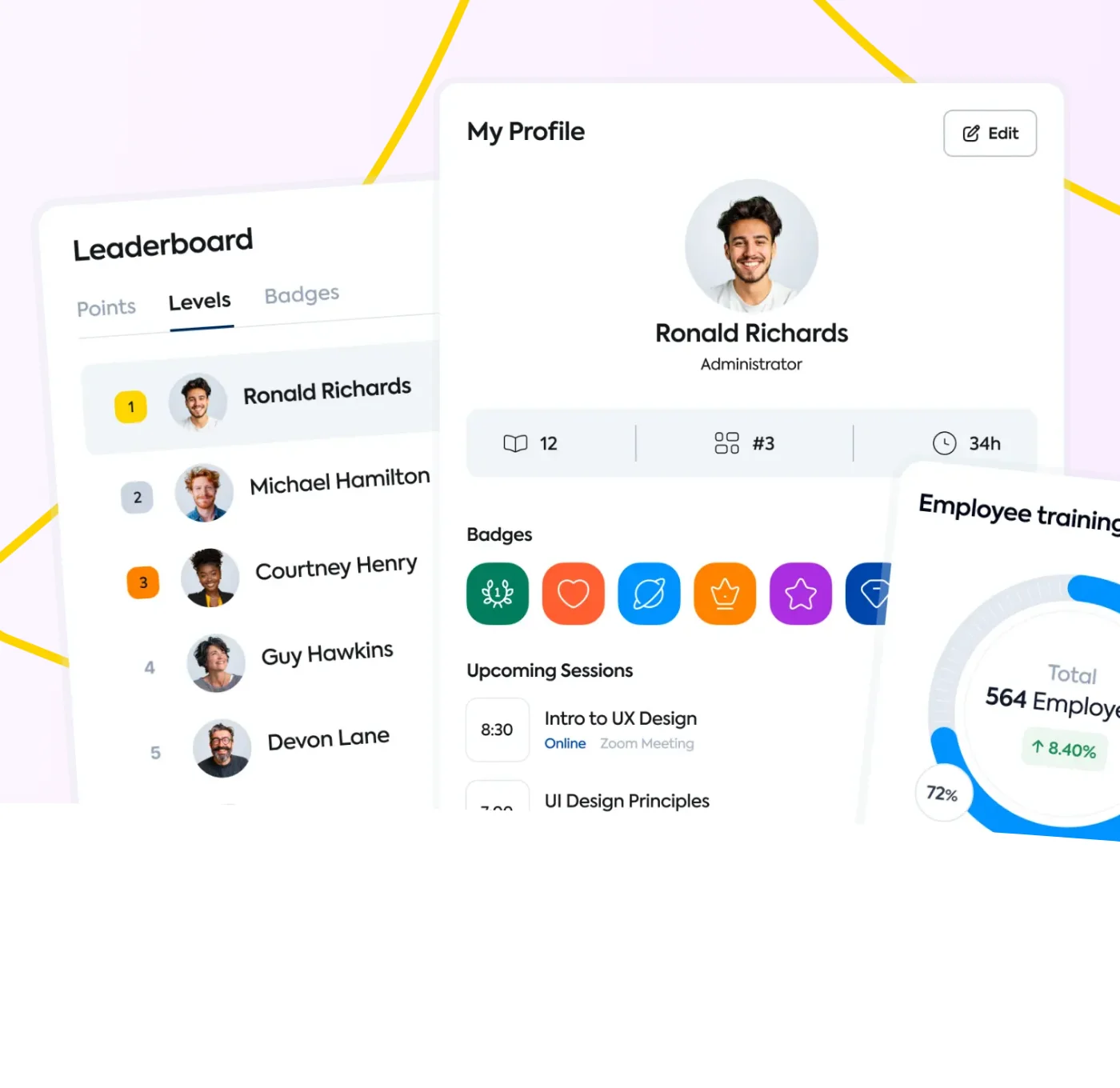
Screenshots of TalentLMS 1 images
Quick summary
Why we picked TalentLMS?
TalentLMS has a free plan for up to 5 users, and its Core price is flat from 1 to 40 users, so the bill stops rising as a team grows. G2 shows 4.6 from 821 reviews.
Pick it if you want to start free with up to 5 people and then pay one fixed price as you grow. Core covers 1 to 40 users, so adding your 12th or 30th hire changes nothing on the bill.
Skip it if you have more than 5 people and want to pay under $1,000 a year. 360Learning is cheaper below 15 users, and LearnWorlds Starter is $528 a year for a course business.
What reviewers raise: G2 shows 4.6 from 821 reviews. Of the 30 most recent written reviews we read (18 November 2026), 14 mention hard to learn or set up and 9 mention reports or dashboards. These are keyword counts, so treat them as a floor. Capterra shows 4.7 from 607 reviews, read 18 November 2026. On Capterra page 1, 13 of the 21 reviews with dislike text raise limited customization or features.
What it costs: $0 for 5 people on Free. Core is $1,428 a year for 10 people and for 25 people, on yearly billing. Price source: the TalentLMS pricing page, read 18 November 2026.
Features
| Feature | Status |
|---|---|
| AI authoring | TalentCraft AI authoring listed; the premium version starts on Grow |
| Branches | 1 branch on Core, 3 on Grow, 15 on Pro, unlimited on Enterprise |
| Courses | Unlimited courses on every paid plan; the free plan stops at 10 |
| Industries | Its own industry pages for healthcare, manufacturing, retail and financial services; vendor pages read 18 November 2026 |
| Learning paths | Learning Paths on Core, 5 on Grow, unlimited on Pro |
| Standards | SCORM 1.2, Tin Can and cmi5 listed as included on all plans |
TalentLMS feature availability summary: AI authoring (TalentCraft AI authoring listed; the premium version starts on Grow); Branches (1 branch on Core, 3 on Grow, 15 on Pro, unlimited on Enterprise); Courses (Unlimited courses on every paid plan; the free plan stops at 10); Industries (Its own industry pages for healthcare, manufacturing, retail and financial services; vendor pages read 18 November 2026); Learning paths (Learning Paths on Core, 5 on Grow, unlimited on Pro); and Standards (SCORM 1.2, Tin Can and cmi5 listed as included on all plans).
Security and compliance
| Standard | Status |
|---|---|
| SSO / SAML | Single Sign On is in the plan feature list; the plan for it was not captured |
| Certifications | Not listed on the page we read |
TalentLMS security and compliance summary: SSO / SAML: Single Sign On is in the plan feature list; the plan for it was not captured; and Certifications: Not listed on the page we read.
Integrations
| Integration | Status |
|---|---|
| G2 listing | 35 integrations on the G2 listing, including BambooHR and GoTo Meeting |
| Named | HubSpot integration, API and LTI 1.3 are in the plan feature list; the plan for each was not captured |
TalentLMS integration summary: G2 listing: 35 integrations on the G2 listing, including BambooHR and GoTo Meeting; and Named: HubSpot integration, API and LTI 1.3 are in the plan feature list; the plan for each was not captured.
Pricing
| Plan | Price | Best for |
|---|---|---|
| Free | $0 | Up to 5 users and 10 courses |
| Core | $119 per month, billed yearly ($1,428 a year) | 1 to 40 users, 1 branch |
| Grow | $229 per month, billed yearly ($2,748 a year) | 1 to 70 users, 3 branches |
| Pro | $449 per month, billed yearly ($5,388 a year) | 1 to 100 users, 15 branches |
| Enterprise | Quote | The page says it starts at 1000 users |
Pros and cons
What's great
- Free plan covers up to 5 users
- Core price is flat from 1 to 40 users, $1,428 a year
- G2 rating of 4.6 from 821 reviews
Watch-outs
- On Capterra page 1, 13 of the 21 reviews with dislike text raise limited customization or features
- The free plan stops at 5 users and 10 courses
- Core has 1 branch, so separate client or department portals need Grow at $229 a month
- Going from free to Core costs $1,428 a year, even at 6 users
Reviews
G2 4.6/5 from 821 reviews.
What reviewers mention most often, counted in the 30 most recent written reviews:
- Ease of use17 of 30 liked
- Courses, content and features15 of 30 liked
- Support7 of 30 liked
- Reports and tracking7 of 30 liked
- Hard to learn or set up14 of 30 raised as a complaint
- Reports or dashboards9 of 30 raised as a complaint
- Missing or limited features7 of 30 raised as a complaint
- Integrations7 of 30 raised as a complaint
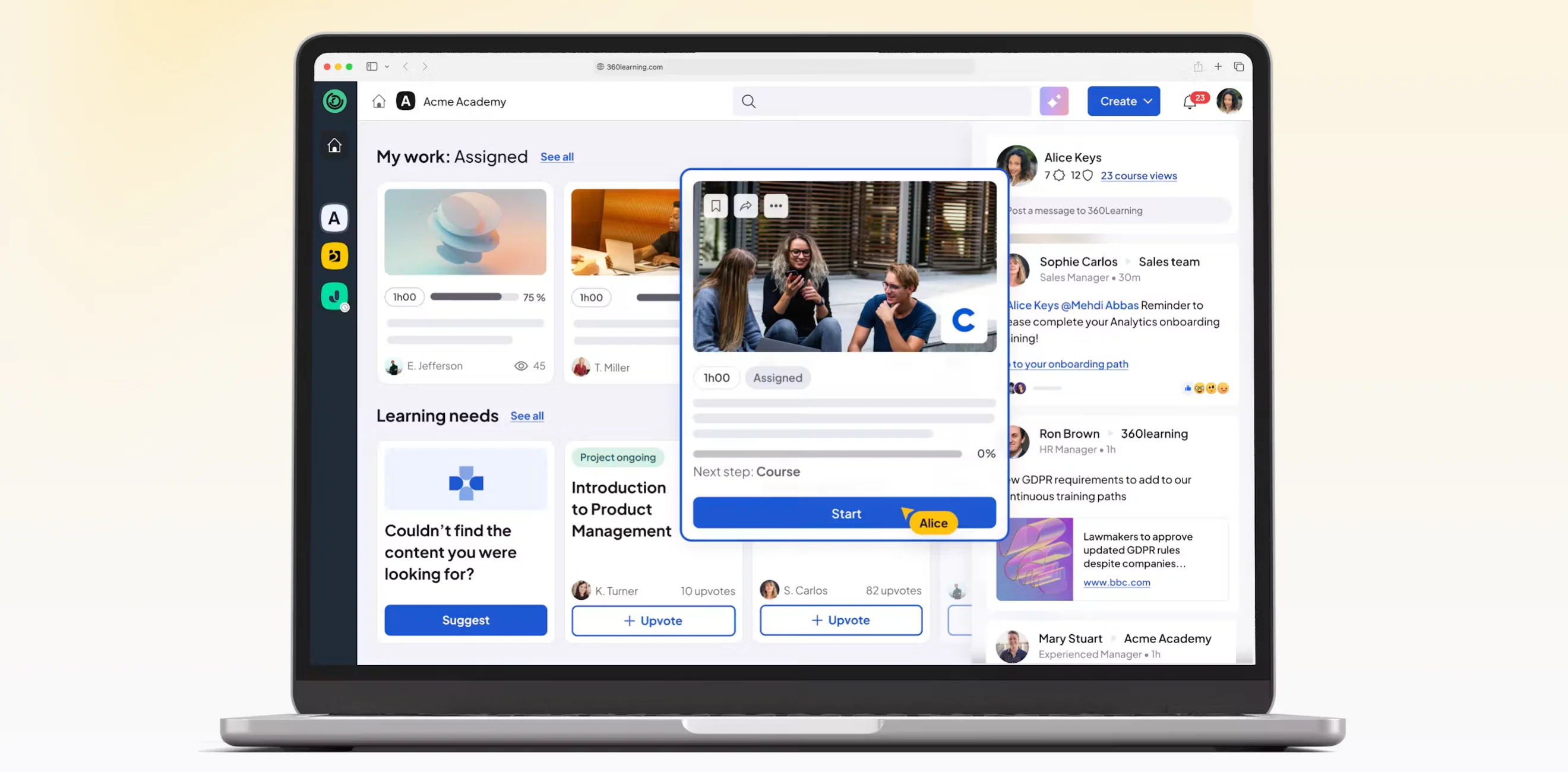
Screenshots of 360Learning 1 images
Quick summary
Why we picked 360Learning?
360Learning's Team plan costs $8 per user per month for up to 100 users, with co-authoring on every plan. G2 shows 4.6 from 661 reviews.
Pick it if your best trainers are your own staff and you want them to write and update courses together. The plan list shows co-authoring and AI-assisted authoring on every plan.
Skip it if you have 15 or more people and one fixed price matters. At $8 per user per month the bill climbs with every hire, and TalentLMS Core stays flat.
What reviewers raise: G2 shows 4.6 from 661 reviews. Of the 30 most recent written reviews we read (18 November 2026), 17 mention hard to learn or set up and 7 mention reports or dashboards. These are keyword counts, so treat them as a floor. Capterra shows 4.7 from 525 reviews, read 18 November 2026.
What it costs: $480 a year for 5 people, $960 for 10 and $2,400 for 25, on the Team plan billed monthly for 12 months. Price source: the 360Learning pricing page, read 18 November 2026.
Features
| Feature | Status |
|---|---|
| AI authoring | AI-assisted authoring and smart recommendations listed on all three plans |
| Co authoring | Co-authoring listed on Team, Business and Enterprise |
| Course management | User and course management listed on all three plans |
| Standards | SCORM player listed on all three plans |
360Learning feature availability summary: AI authoring (AI-assisted authoring and smart recommendations listed on all three plans); Co authoring (Co-authoring listed on Team, Business and Enterprise); Course management (User and course management listed on all three plans); and Standards (SCORM player listed on all three plans).
Security and compliance
| Standard | Status |
|---|---|
| Certifications | Not listed on the page we read |
| Contract | Team is billed monthly with no annual commitment |
360Learning security and compliance summary: Certifications: Not listed on the page we read; and Contract: Team is billed monthly with no annual commitment.
Integrations
| Integration | Status |
|---|---|
| G2 listing | 60 integrations on the G2 listing, including BambooHR, Canva and ADP GlobalView Payroll |
360Learning integration summary: G2 listing: 60 integrations on the G2 listing, including BambooHR, Canva and ADP GlobalView Payroll.
Pricing
| Plan | Price | Best for |
|---|---|---|
| Team | $8 per user per month, billed monthly | Up to 100 users, small to mid-sized businesses |
| Business | Custom | Growing organizations and L&D teams |
| Enterprise | Custom | Large organizations |
Pros and cons
What's great
- Team is billed monthly, so you can cancel any time
- Co-authoring is listed on all three plans
- Cheaper than TalentLMS Core for teams under 15 users
Watch-outs
- Price rises with headcount, $2,400 a year at 25 users and $9,600 at 100
- Business and Enterprise prices are not public
- Team stops at 100 users
Reviews
G2 4.6/5 from 661 reviews.
What reviewers mention most often, counted in the 30 most recent written reviews:
- Courses, content and features13 of 30 liked
- Support9 of 30 liked
- Ease of use6 of 30 liked
- Customization and flexibility5 of 30 liked
- Hard to learn or set up17 of 30 raised as a complaint
- Reports or dashboards7 of 30 raised as a complaint
- Missing or limited features6 of 30 raised as a complaint
- Integrations6 of 30 raised as a complaint
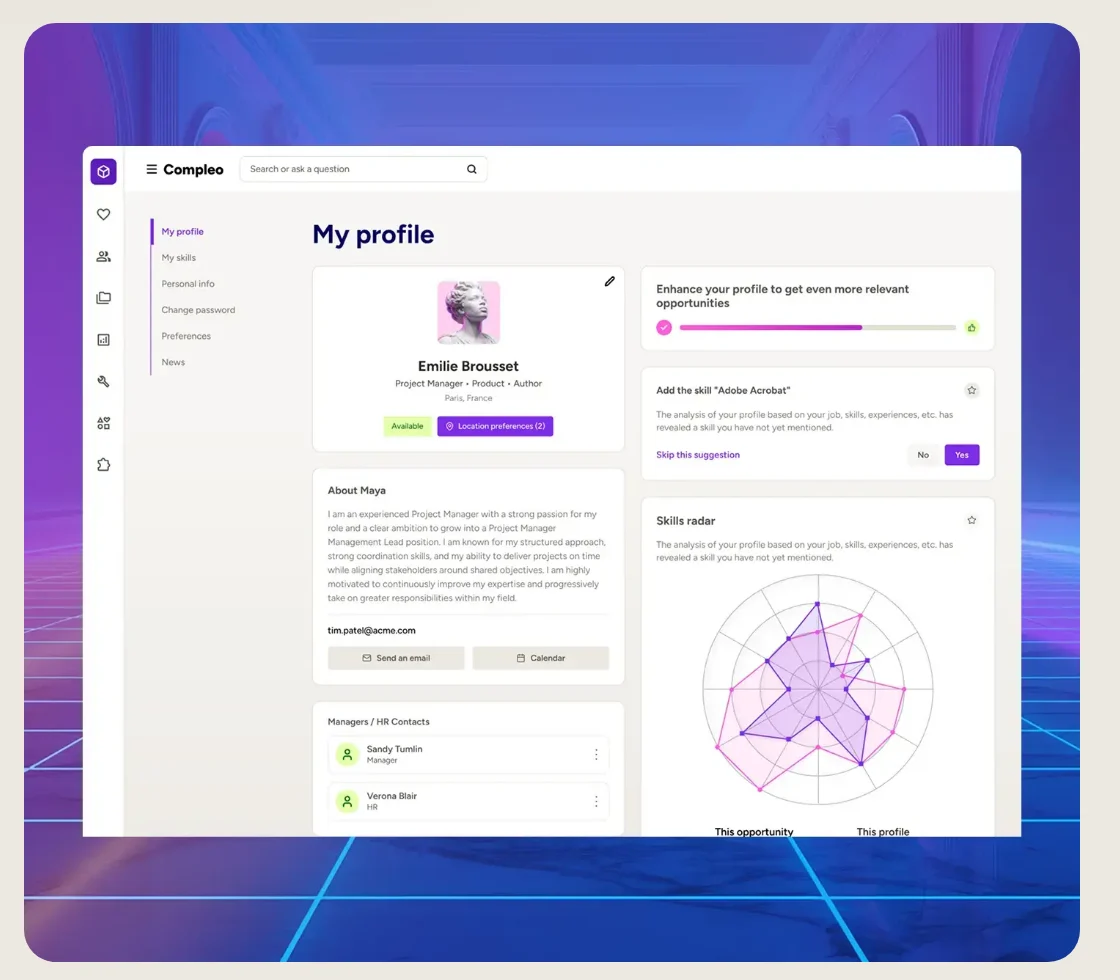
Screenshots of Docebo 1 images
Quick summary
Why we picked Docebo?
Docebo's own pricing page says one platform serves employees, customers and partners. G2 shows 4.3 from 752 reviews.
Pick it if you run a large training program that serves staff, customers and partners, and you want one vendor for all three. The Enterprise plan lists extended enterprise and a dedicated database.
Skip it if you want a price before you talk to sales, or you have a small team. The pricing page has two plans and a “get your pricing” button on each.
What reviewers raise: G2 shows 4.3 from 752 reviews. Of the 30 most recent written reviews we read (18 November 2026), 13 mention hard to learn or set up and 9 mention reports or dashboards. These are keyword counts, so treat them as a floor. Capterra shows 4.4 from 242 reviews, read 18 November 2026.
What it costs: We cannot give a figure for 5, 10, 25 or 100 users, because the vendor lists no price. Price source: the Docebo pricing page, read 18 November 2026.
Features
| Feature | Status |
|---|---|
| AI | AI-powered content creation, an AI assistant and instant translations listed |
| API | Enterprise lists an API at 100 calls per minute |
| Audiences | Personalization and multi-audience support listed, for employees, customers and partners |
| Compliance tracking | Certification and compliance tracking listed |
| Enterprise plan | Enterprise adds extended enterprise for up to 10 domains, 2x sandbox environments and a branded mobile app |
| Industries | Its own solutions pages for healthcare, manufacturing, retail and financial services; vendor pages read 18 November 2026 |
Docebo feature availability summary: AI (AI-powered content creation, an AI assistant and instant translations listed); API (Enterprise lists an API at 100 calls per minute); Audiences (Personalization and multi-audience support listed, for employees, customers and partners); Compliance tracking (Certification and compliance tracking listed); Enterprise plan (Enterprise adds extended enterprise for up to 10 domains, 2x sandbox environments and a branded mobile app); and Industries (Its own solutions pages for healthcare, manufacturing, retail and financial services; vendor pages read 18 November 2026).
Security and compliance
| Standard | Status |
|---|---|
| Certifications | Not listed on the page we read |
| Federal | A separate Docebo Federal platform is offered for US Federal Government security needs |
Docebo security and compliance summary: Certifications: Not listed on the page we read; and Federal: A separate Docebo Federal platform is offered for US Federal Government security needs.
Integrations
| Integration | Status |
|---|---|
| Named | Hundreds of integration options listed on the pricing page; Enterprise lists integration of up to 6 tools |
Docebo integration summary: Named: Hundreds of integration options listed on the pricing page; Enterprise lists integration of up to 6 tools.
Pricing
| Plan | Price | Best for |
|---|---|---|
| Entry plan | Quote | Learning at scale for every audience |
| Enterprise | Quote | Global programs, extended enterprise, dedicated database |
Pros and cons
What's great
- One platform for employees, customers and partners, per its pricing page
- Enterprise lists a named account manager, CSM and solution engineer
- G2 rating of 4.3 from 752 reviews
Watch-outs
- No public price
- No plan for a very small team is shown on the page we read
- G2 rating of 4.3 is below TalentLMS, 360Learning and Absorb LMS at 4.6
Reviews
G2 4.3/5 from 752 reviews.
What reviewers mention most often, counted in the 30 most recent written reviews:
- Courses, content and features13 of 30 liked
- Ease of use6 of 30 liked
- Support6 of 30 liked
- Integrations6 of 30 liked
- Hard to learn or set up13 of 30 raised as a complaint
- Reports or dashboards9 of 30 raised as a complaint
- Integrations8 of 30 raised as a complaint
- Slow or buggy6 of 30 raised as a complaint
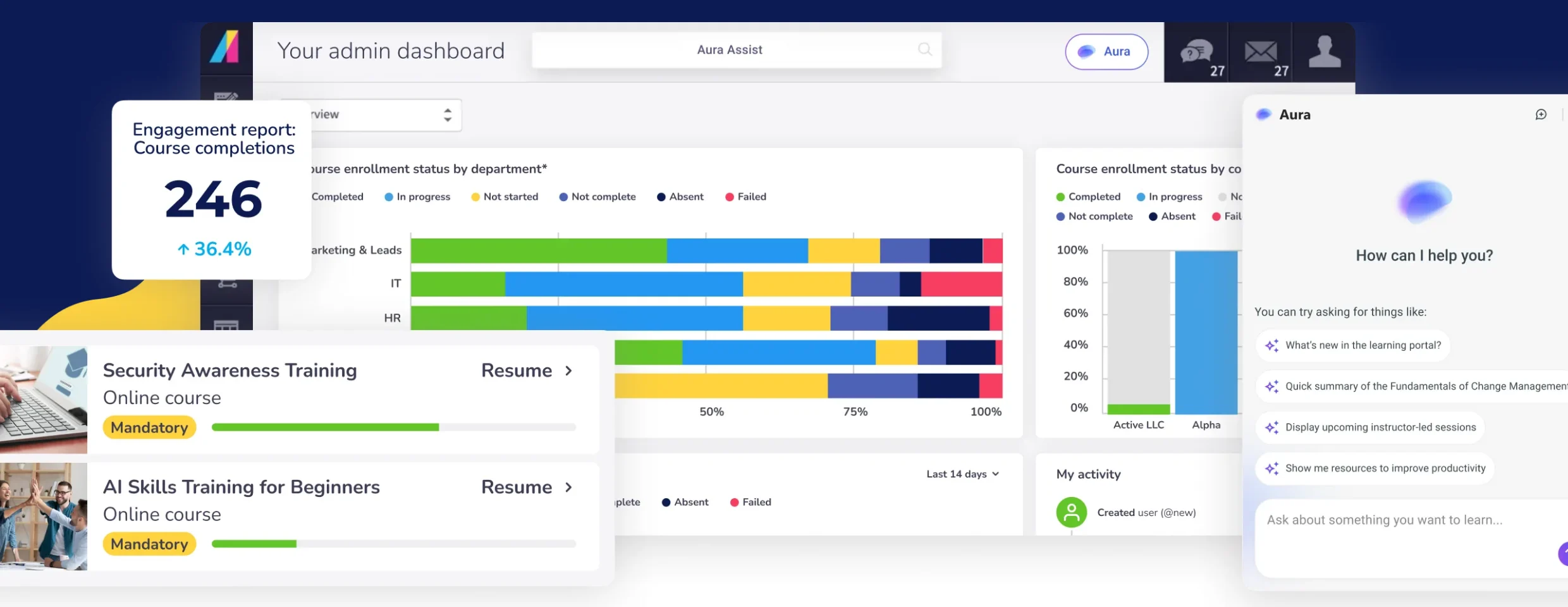
Quick summary
Why we picked Absorb LMS?
Absorb's pricing form asks for your learner count in 8 bands, so it covers small and very large programs. G2 shows 4.6 from 1,007 reviews, the most of the company-focused tools here.
Pick it if you are a growing company that wants one vendor for onboarding, compliance and customer or partner training, and you are happy to get a quote. The form scales from 1 to 50 learners to more than 25,000.
Skip it if you want to see a price or compare plans before you share your details. The page we read is a form, not a price list.
What reviewers raise: G2 shows 4.6 from 1,007 reviews. Of the 30 most recent written reviews we read (18 November 2026), 17 mention hard to learn or set up and 12 mention reports or dashboards. These are keyword counts, so treat them as a floor. Capterra shows 4.6 from 372 reviews, read 18 November 2026.
What it costs: We cannot give a figure for any team size. Price source: the Absorb pricing form, read 18 November 2026.
Features
| Feature | Status |
|---|---|
| Industries | Its own landing page for healthcare; vendor page read 18 November 2026 |
| Pricing bands | The form asks for 1-50, 51-150, 151-250, 251-500, 501-1,000, 1,001-5,000, 5,001-25,000 or 25,000+ learners |
| Standards | Not listed on the pages we read |
| Use cases | G2 media from the vendor lists onboarding, employee upskilling, compliance training, customer education, partner enablement and selling courses |
Absorb LMS feature availability summary: Industries (Its own landing page for healthcare; vendor page read 18 November 2026); Pricing bands (The form asks for 1-50, 51-150, 151-250, 251-500, 501-1,000, 1,001-5,000, 5,001-25,000 or 25,000+ learners); Standards (Not listed on the pages we read); and Use cases (G2 media from the vendor lists onboarding, employee upskilling, compliance training, customer education, partner enablement and selling courses).
Security and compliance
| Standard | Status |
|---|---|
| Certifications | Not listed on the page we read |
Absorb LMS security and compliance summary: Certifications: Not listed on the page we read.
Integrations
| Integration | Status |
|---|---|
| G2 listing | 40 integrations on the G2 listing, including ADP GlobalView Payroll, Auth0 and BambooHR |
Absorb LMS integration summary: G2 listing: 40 integrations on the G2 listing, including ADP GlobalView Payroll, Auth0 and BambooHR.
Pricing
| Plan | Price | Best for |
|---|---|---|
| By learner count | Quote | 8 learner bands, from 1 to 50 up to more than 25,000 |
Pros and cons
What's great
- G2 rating of 4.6 from 1,007 reviews
- 40 integrations on the G2 listing
- A quote band starts at 1 to 50 learners
Watch-outs
- No public price; the pricing page is a form that asks for contact details
- The pricing page lists no features or course standards
- No trial stated on the page we read
Reviews
G2 4.6/5 from 1,007 reviews.
What reviewers mention most often, counted in the 30 most recent written reviews:
- Courses, content and features23 of 30 liked
- Ease of use19 of 30 liked
- Reports and tracking17 of 30 liked
- Support11 of 30 liked
- Hard to learn or set up17 of 30 raised as a complaint
- Reports or dashboards12 of 30 raised as a complaint
- Price or cost5 of 30 raised as a complaint
- Missing or limited features5 of 30 raised as a complaint
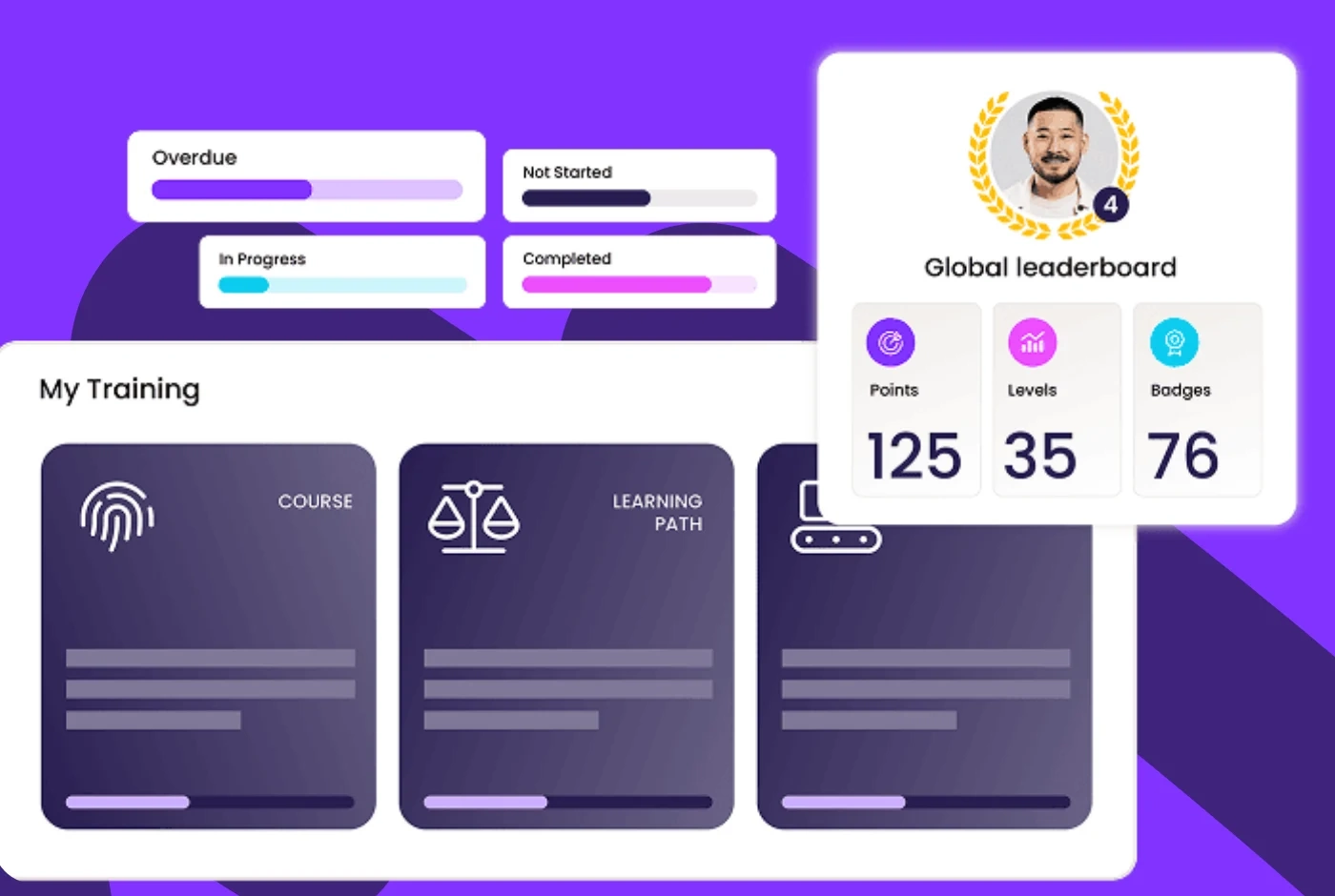
Quick summary
Why we picked Litmos?
Litmos publishes starting prices, $8K a year for Foundation and $15K for Platinum, and lists SCORM, xAPI and AICC import. G2 shows 4.3 from 701 reviews.
Pick it if compliance training is your main job and you want a vendor that lists assessments, e-signatures and enrollment approvals. The pricing page gives a starting price before you talk to sales.
Skip it if you have a small team or a tight budget. The lowest published figure is $8K a year, and it does not say for how many users.
What reviewers raise: G2 shows 4.3 from 701 reviews. Of the 30 most recent written reviews we read (18 November 2026), 19 mention reports or dashboards and 8 mention hard to learn or set up. These are keyword counts, so treat them as a floor. Capterra shows 4.2 from 287 reviews, read 18 November 2026.
What it costs: From $8K a year on Foundation and from $15K on Platinum. The page does not tie those figures to a user count, so we show no figure for 5, 10, 25 or 100 users. Price source: the Litmos plans page, read 18 November 2026.
Features
| Feature | Status |
|---|---|
| Compliance tools | Assessments, e-signatures, surveys, enrollment approvals and escalations listed |
| Content | Premium and partner content libraries are add-ons |
| Delivery | Learning paths, ILT and vILT, assignments, mobile and CEUs listed |
| Multi audience | Branded portals, multi-tenant setup and multiple languages listed |
| Standards | Import of SCORM, xAPI, AICC, media and documents listed |
Litmos feature availability summary: Compliance tools (Assessments, e-signatures, surveys, enrollment approvals and escalations listed); Content (Premium and partner content libraries are add-ons); Delivery (Learning paths, ILT and vILT, assignments, mobile and CEUs listed); Multi audience (Branded portals, multi-tenant setup and multiple languages listed); and Standards (Import of SCORM, xAPI, AICC, media and documents listed).
Security and compliance
| Standard | Status |
|---|---|
| Access | SSO, roles and permissions are in the plan feature list; the plan for each was not captured |
| Certifications | Not listed on the page we read |
Litmos security and compliance summary: Access: SSO, roles and permissions are in the plan feature list; the plan for each was not captured; and Certifications: Not listed on the page we read.
Integrations
| Integration | Status |
|---|---|
| G2 listing | 44 integrations on the G2 listing, including ADP Lyric, BambooHR, Box and Docusign |
| Salesforce | Salesforce AppExchange listed |
Litmos integration summary: G2 listing: 44 integrations on the G2 listing, including ADP Lyric, BambooHR, Box and Docusign; and Salesforce: Salesforce AppExchange listed.
Pricing
| Plan | Price | Best for |
|---|---|---|
| Foundation | Starting at $8K per year | Essential tools to launch learning quickly |
| Platinum | Starting at $15K per year | Advanced administration, authoring, compliance and engagement |
| Platinum AI | Talk to sales | Embedded AI, skill gap analysis and insights |
Pros and cons
What's great
- Starting prices are published, $8K and $15K a year
- Lists SCORM, xAPI and AICC import
- 44 integrations on the G2 listing
Watch-outs
- The $8K entry price is far above TalentLMS Core at $1,428
- Premium and partner content libraries cost extra
- G2 rating of 4.3 is below TalentLMS, 360Learning and Absorb LMS at 4.6
Reviews
G2 4.3/5 from 701 reviews.
What reviewers mention most often, counted in the 30 most recent written reviews:
- Ease of use17 of 30 liked
- Courses, content and features16 of 30 liked
- Support11 of 30 liked
- Reports and tracking7 of 30 liked
- Reports or dashboards19 of 30 raised as a complaint
- Hard to learn or set up8 of 30 raised as a complaint
- Missing or limited features6 of 30 raised as a complaint
- Customer support6 of 30 raised as a complaint
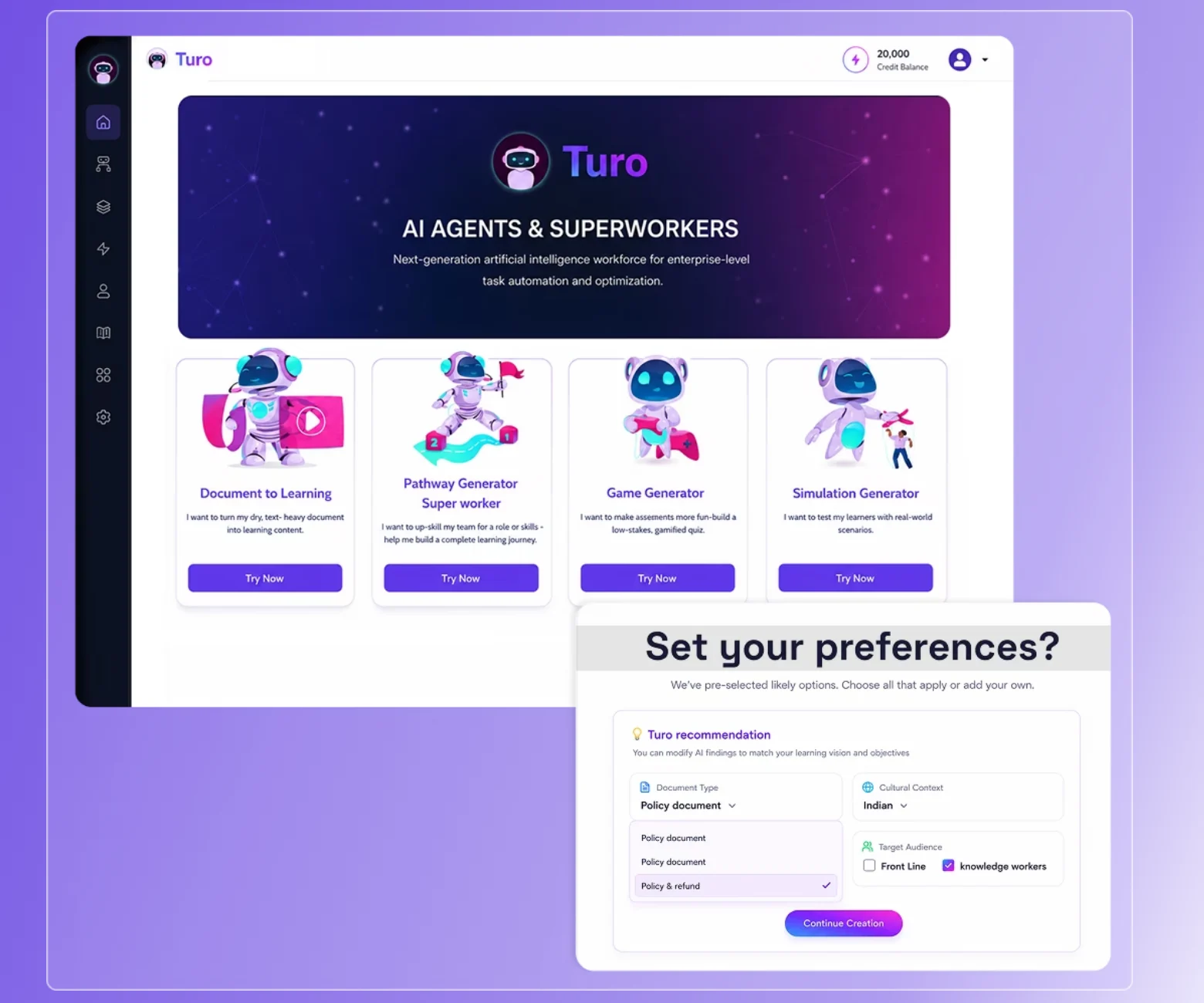
Quick summary
Why we picked Disprz?
Disprz lists a skills ontology, job architecture and career pathways on its Enterprise plan. G2 shows 4.4 from 96 reviews, a small base.
Pick it if you want learning tied to skills and careers, not only courses. The Enterprise plan lists a skills ontology, job architecture, career pathways and individual development plans.
Skip it if you want a price before you talk to anyone, or you need to see SCORM support on the page. The pricing page shows two plans and a “get your pricing” button.
What reviewers raise: G2 shows 4.4 from 96 reviews. Of the 30 most recent written reviews we read (18 November 2026), 13 mention reports or dashboards and 9 mention slow or buggy. These are keyword counts, so treat them as a floor. Capterra shows 4.7 from 38 reviews, read 18 November 2026.
What it costs: We cannot give a figure for 5, 10, 25 or 100 users, because the vendor lists no price. Price source: the Disprz pricing page, read 18 November 2026.
Features
| Feature | Status |
|---|---|
| Careers | Enterprise lists career pathways, IDPs and systematic skilling plans |
| Engagement | Enterprise lists embedded nudges, engagement mechanics and AI-assisted content creation |
| Essentials | AI-powered learning management, ILT, VILT and microlearning delivery, automated workflows and approvals listed |
| Industries | A guide on its own site to learning management software for retail; vendor page read 18 November 2026 |
| Label | Its page labels Enterprise most chosen by 1,000+ employee orgs, a vendor claim |
| Skills | Enterprise lists a skills ontology, job architecture and skill-based assessments |
| Standards | Not listed on the pricing page we read |
Disprz feature availability summary: Careers (Enterprise lists career pathways, IDPs and systematic skilling plans); Engagement (Enterprise lists embedded nudges, engagement mechanics and AI-assisted content creation); Essentials (AI-powered learning management, ILT, VILT and microlearning delivery, automated workflows and approvals listed); Industries (A guide on its own site to learning management software for retail; vendor page read 18 November 2026); Label (Its page labels Enterprise most chosen by 1,000+ employee orgs, a vendor claim); Skills (Enterprise lists a skills ontology, job architecture and skill-based assessments); and Standards (Not listed on the pricing page we read).
Security and compliance
| Standard | Status |
|---|---|
| Certifications | Not listed on the page we read |
| Tracking | Learning analytics, reports and certification tracking listed on Essentials |
Disprz security and compliance summary: Certifications: Not listed on the page we read; and Tracking: Learning analytics, reports and certification tracking listed on Essentials.
Integrations
| Integration | Status |
|---|---|
| Essentials | Essentials lists automated workflows, approvals and integrations |
| G2 listing | 4 integrations on the G2 listing, including Darwinbox, Sprout Solutions and ZenHR |
Disprz integration summary: Essentials: Essentials lists automated workflows, approvals and integrations; and G2 listing: 4 integrations on the G2 listing, including Darwinbox, Sprout Solutions and ZenHR.
Pricing
| Plan | Price | Best for |
|---|---|---|
| Essentials | Quote | Structured learning at scale, reports and certification tracking |
| Enterprise | Custom pricing | Skills-led learning, career pathways and AI-assisted content |
Pros and cons
What's great
- Enterprise lists skills ontology and career pathways
- Essentials lists certification tracking and reports
- G2 rating of 4.4 from 96 reviews
Watch-outs
- No public price
- Only 96 G2 reviews, so the rating rests on a small base
- Course standards such as SCORM are not listed on the pricing page we read
Reviews
G2 4.4/5 from 96 reviews.
What reviewers mention most often, counted in the 30 most recent written reviews:
- Ease of use12 of 30 liked
- Courses, content and features10 of 30 liked
- Reports and tracking8 of 30 liked
- Support7 of 30 liked
- Reports or dashboards13 of 30 raised as a complaint
- Slow or buggy9 of 30 raised as a complaint
- Missing or limited features7 of 30 raised as a complaint
- Customer support5 of 30 raised as a complaint
Quick summary
Why we picked LearnUpon?
LearnUpon sells employee training from 100 users and customer education from 300 users, with an implementation consultant on every plan. G2 shows 4.5 from 262 reviews.
Pick it if you have 100 or more people, or you train customers and partners as well as staff. Every plan comes with an implementation consultant and round-the-clock support.
Skip it if you have fewer than 100 people. The vendor’s own FAQ says LearnUpon is not a fit below that, and it asks you to book a demo for a price.
What reviewers raise: G2 shows 4.5 from 262 reviews. Of the 30 most recent written reviews we read (18 November 2026), 14 mention integrations and 13 mention reports or dashboards. These are keyword counts, so treat them as a floor. Capterra shows 4.7 from 141 reviews, read 18 November 2026.
What it costs: We cannot give a figure for 5, 10 or 25 people. The vendor does not sell below 100 users, and its page lists no prices. Price source: the LearnUpon pricing page, read 18 November 2026.
Features
| Feature | Status |
|---|---|
| Audiences | Separate products for employees, customer education and associations |
| Certification | Certification and re-certification listed |
| Learning | Learning journeys, dynamic rules, skills, gamification and exams listed |
| Standards | SCORM and xAPI support listed in the plan comparison |
LearnUpon feature availability summary: Audiences (Separate products for employees, customer education and associations); Certification (Certification and re-certification listed); Learning (Learning journeys, dynamic rules, skills, gamification and exams listed); and Standards (SCORM and xAPI support listed in the plan comparison).
Security and compliance
| Standard | Status |
|---|---|
| HIPAA | The FAQ says LearnUpon is not a fit for teams that need HIPAA compliance inside the LMS |
| Support | Technical support from real people, 24/7, 365 days a year, on all plans |
LearnUpon security and compliance summary: HIPAA: The FAQ says LearnUpon is not a fit for teams that need HIPAA compliance inside the LMS; and Support: Technical support from real people, 24/7, 365 days a year, on all plans.
Integrations
| Integration | Status |
|---|---|
| G2 listing | 53 integrations on the G2 listing, including 15Five, Adobe Connect and BambooHR |
| Named | SSO, HRIS, HubSpot, Salesforce, Zapier, webhooks and a two-way API are listed; the plan for each was not captured |
LearnUpon integration summary: G2 listing: 53 integrations on the G2 listing, including 15Five, Adobe Connect and BambooHR; and Named: SSO, HRIS, HubSpot, Salesforce, Zapier, webhooks and a two-way API are listed; the plan for each was not captured.
Pricing
| Plan | Price | Best for |
|---|---|---|
| For Employees | Quote | From 100 users |
| For Customer Education | Quote | From 300 users |
| For Associations | Quote | From 150 users |
Pros and cons
What's great
- An implementation consultant and 24/7 technical support come with every plan
- G2 rating of 4.5 from 262 reviews
- SCORM, xAPI, SSO and HRIS integrations are listed
Watch-outs
- The vendor says it is not a fit for fewer than 100 users
- No public prices
- Not a fit if you need HIPAA compliance inside the LMS
Reviews
G2 4.5/5 from 262 reviews.
What reviewers mention most often, counted in the 30 most recent written reviews:
- Courses, content and features19 of 30 liked
- Ease of use16 of 30 liked
- Integrations9 of 30 liked
- Support7 of 30 liked
- Integrations14 of 30 raised as a complaint
- Reports or dashboards13 of 30 raised as a complaint
- Hard to learn or set up11 of 30 raised as a complaint
- Missing or limited features6 of 30 raised as a complaint
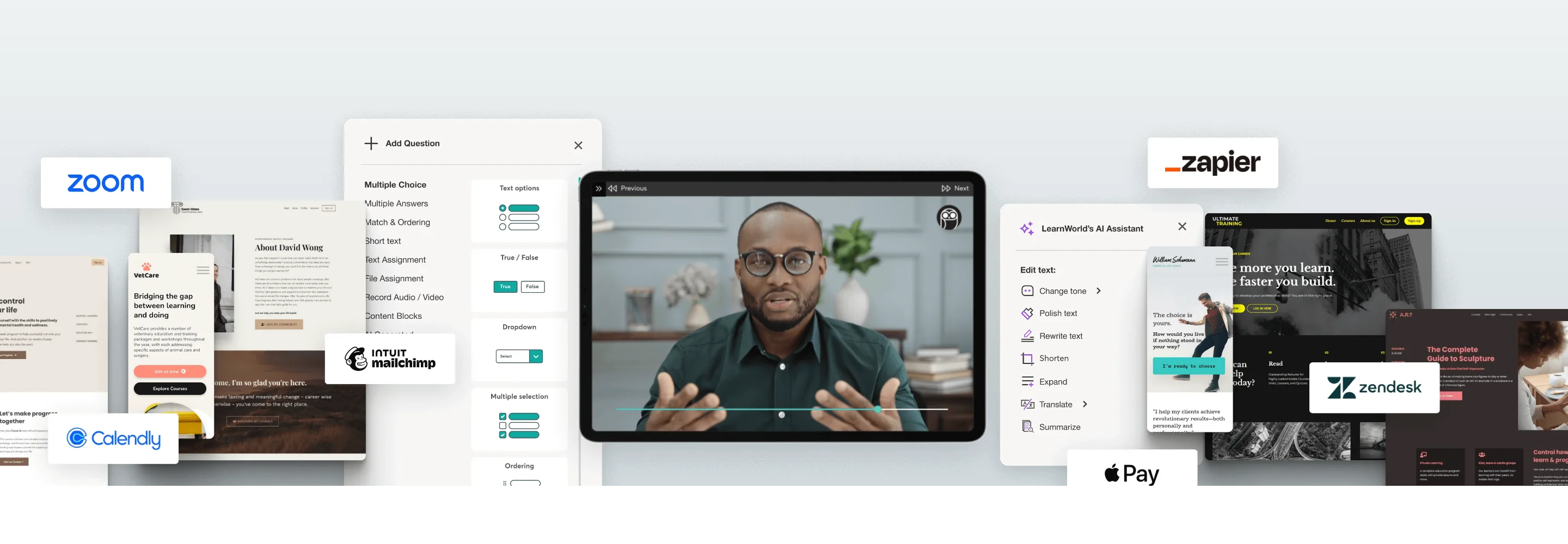
Quick summary
Why we picked LearnWorlds?
LearnWorlds is built for selling courses, and its own FAQ says it also fits employee training. G2 shows 4.7 from 404 reviews.
Pick it if you sell courses to customers or run a training academy under your own brand. Pro Trainer has no enrollment fees, certificates and SCORM uploads.
Skip it if you only train staff and want HR-style assigning and reporting. The pricing page is written around course businesses, so check the feature list before you commit.
What reviewers raise: G2 shows 4.7 from 404 reviews. Of the 30 most recent written reviews we read (18 November 2026), 16 mention hard to learn or set up and 14 mention integrations. These are keyword counts, so treat them as a floor. Capterra shows 4.7 from 196 reviews, read 18 November 2026.
What it costs: Plans are flat up to the learner cap. Starter is $528 a year and Pro Trainer is $948, at the early bird prices, whether you have 5 or 25 people. Price source: the LearnWorlds pricing page, read 18 November 2026.
Features
| Feature | Status |
|---|---|
| Branding | Full white-label starts on Learning Center |
| Certificates | Course certificates start on Pro Trainer |
| Fees | $5 per course enrollment on Starter; none on Pro Trainer and above |
| Limits | Starter has 1,000 active learners and 1 admin; Pro Trainer 2,000 and 5 admins; Learning Center 2,000 and 25 admins |
| Standards | SCORM uploads, 20 packages on Pro Trainer and unlimited on Learning Center |
LearnWorlds feature availability summary: Branding (Full white-label starts on Learning Center); Certificates (Course certificates start on Pro Trainer); Fees ($5 per course enrollment on Starter; none on Pro Trainer and above); Limits (Starter has 1,000 active learners and 1 admin; Pro Trainer 2,000 and 5 admins; Learning Center 2,000 and 25 admins); and Standards (SCORM uploads, 20 packages on Pro Trainer and unlimited on Learning Center).
Security and compliance
| Standard | Status |
|---|---|
| Uptime | 99.90% uptime guarantee on Starter, Pro Trainer and Learning Center; 99.95% on Corporate |
| Certifications | Not listed on the page we read |
LearnWorlds security and compliance summary: Uptime: 99.90% uptime guarantee on Starter, Pro Trainer and Learning Center; 99.95% on Corporate; and Certifications: Not listed on the page we read.
Integrations
| Integration | Status |
|---|---|
| G2 listing | 48 integrations on the G2 listing, including accessiBe, Accredible, ActiveCampaign and Auth0 |
| Payments | Sell with your own Stripe or PayPal on Starter |
LearnWorlds integration summary: G2 listing: 48 integrations on the G2 listing, including accessiBe, Accredible, ActiveCampaign and Auth0; and Payments: Sell with your own Stripe or PayPal on Starter.
Pricing
| Plan | Price | Best for |
|---|---|---|
| Starter | $44 per month, billed yearly (early bird) | 1,000 active learners, 1 admin, $5 per enrollment |
| Pro Trainer | $79 per month, billed yearly (early bird) | 2,000 active learners, 5 admins, no enrollment fees |
| Learning Center | $194.35 per month, billed yearly (35% off during the sale) | 25 admins, white-label, scheduled reports |
| Corporate | Custom | Multi-academy operations and high-volume programs |
Pros and cons
What's great
- G2 rating of 4.7 from 404 reviews
- No enrollment fees from Pro Trainer, $948 a year
- 30-day free trial
Watch-outs
- Starter adds $5 per course enrollment
- The $44 and $79 prices are a sale that ends 24 November 2026
- Admin seats are capped at 1 on Starter and 5 on Pro Trainer
Reviews
G2 4.7/5 from 404 reviews.
What reviewers mention most often, counted in the 30 most recent written reviews:
- Courses, content and features19 of 30 liked
- Support19 of 30 liked
- Ease of use16 of 30 liked
- Customization and flexibility9 of 30 liked
- Hard to learn or set up16 of 30 raised as a complaint
- Integrations14 of 30 raised as a complaint
- Customer support12 of 30 raised as a complaint
- Slow or buggy6 of 30 raised as a complaint
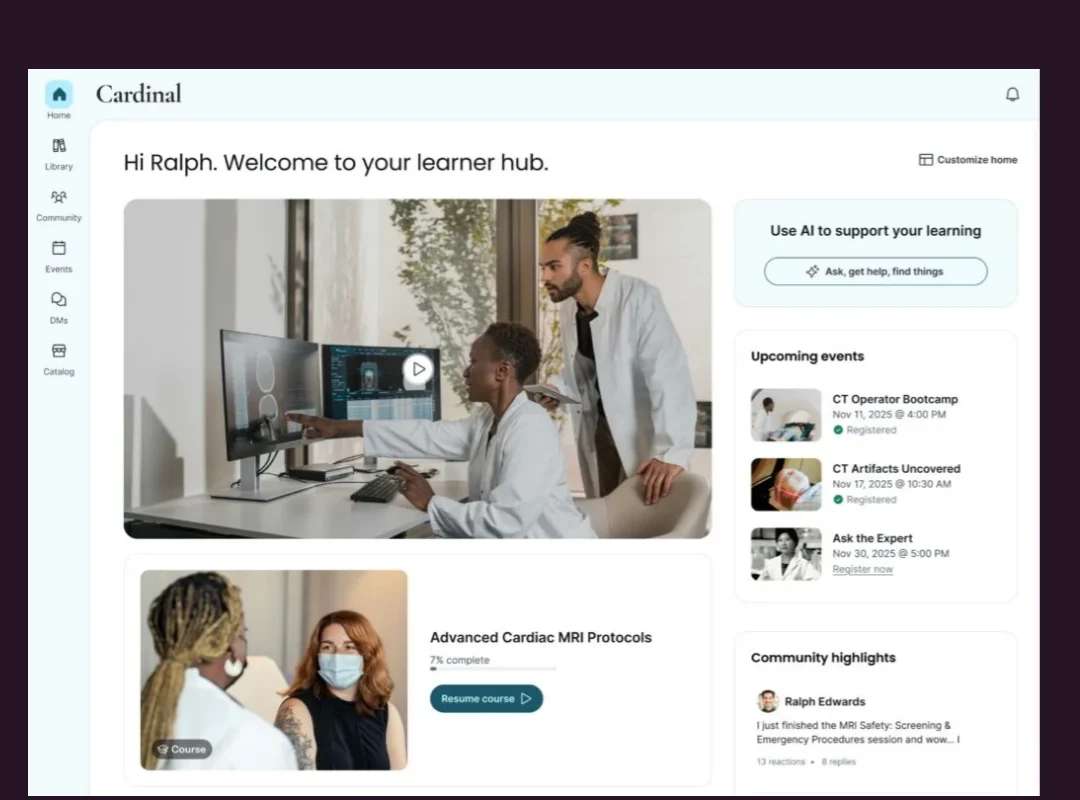
Quick summary
Why we picked Thinkific?
Thinkific publishes three plan prices in US dollars, and every plan has unlimited courses. G2 shows 4.4 from 427 reviews.
Pick it if you sell courses to customers or members and want published monthly prices. Start covers unlimited courses, quizzes, certificates and memberships.
Skip it if you need SCORM, single sign-on or exams for staff training. The page lists those only for Plus, which has no price.
What reviewers raise: G2 shows 4.4 from 427 reviews. Of the 30 most recent written reviews we read (18 November 2026), 13 mention hard to learn or set up and 9 mention reports or dashboards. These are keyword counts, so treat them as a floor. Capterra shows 4.4 from 206 reviews, read 18 November 2026.
What it costs: Start is $984 a year, whether you have 5, 10 or 25 learners, up to its caps. Grow is $1,968 and Expand is $4,488. Price source: the Thinkific pricing page, read 18 November 2026.
Features
| Feature | Status |
|---|---|
| B2b | B2B sales and invoicing from Grow |
| Courses | Unlimited courses, downloads and coaching on every plan |
| Limits | Current learners 10,000 on Start, Grow and Expand; admins 2, 6 and 15; max group size 50, 100 and unlimited |
| Plus only | SCORM, SSO, exams, learning paths and CRM integrations are listed for Plus |
| Reporting | Reporting and analytics not included on Start |
Thinkific feature availability summary: B2b (B2B sales and invoicing from Grow); Courses (Unlimited courses, downloads and coaching on every plan); Limits (Current learners 10,000 on Start, Grow and Expand; admins 2, 6 and 15; max group size 50, 100 and unlimited); Plus only (SCORM, SSO, exams, learning paths and CRM integrations are listed for Plus); and Reporting (Reporting and analytics not included on Start).
Security and compliance
| Standard | Status |
|---|---|
| SSO / SAML | Single sign-on is listed for Plus only |
| Certifications | Not listed on the page we read |
Thinkific security and compliance summary: SSO / SAML: Single sign-on is listed for Plus only; and Certifications: Not listed on the page we read.
Integrations
| Integration | Status |
|---|---|
| Public API | API access and webhooks from Grow |
| G2 listing | 43 integrations on the G2 listing, including Accredible, ActiveCampaign and Articulate 360 |
Thinkific integration summary: Public API: API access and webhooks from Grow; and G2 listing: 43 integrations on the G2 listing, including Accredible, ActiveCampaign and Articulate 360.
Pricing
| Plan | Price | Best for |
|---|---|---|
| Start | $82 per month, billed yearly ($984 a year) | Selling courses, 2 admins, max group size 50 |
| Grow | $164 per month, billed yearly ($1,968 a year) | Reporting, B2B invoicing, API, 6 admins |
| Expand | $374 per month, billed yearly ($4,488 a year) | 15 admins, unlimited group size, email white-labeling |
| Plus | Quote | SCORM, SSO, exams, learning paths |
Pros and cons
What's great
- Three plan prices published in US dollars
- Unlimited courses on every plan
- G2 rating of 4.4 from 427 reviews
Watch-outs
- SCORM and SSO are listed only for Plus, which is quote only
- Start has no reporting and a max group size of 50
- The price page shows no trial length
Reviews
G2 4.4/5 from 427 reviews.
What reviewers mention most often, counted in the 30 most recent written reviews:
- Courses, content and features18 of 30 liked
- Ease of use11 of 30 liked
- Reports and tracking8 of 30 liked
- Support6 of 30 liked
- Hard to learn or set up13 of 30 raised as a complaint
- Reports or dashboards9 of 30 raised as a complaint
- Missing or limited features7 of 30 raised as a complaint
- Customer support6 of 30 raised as a complaint
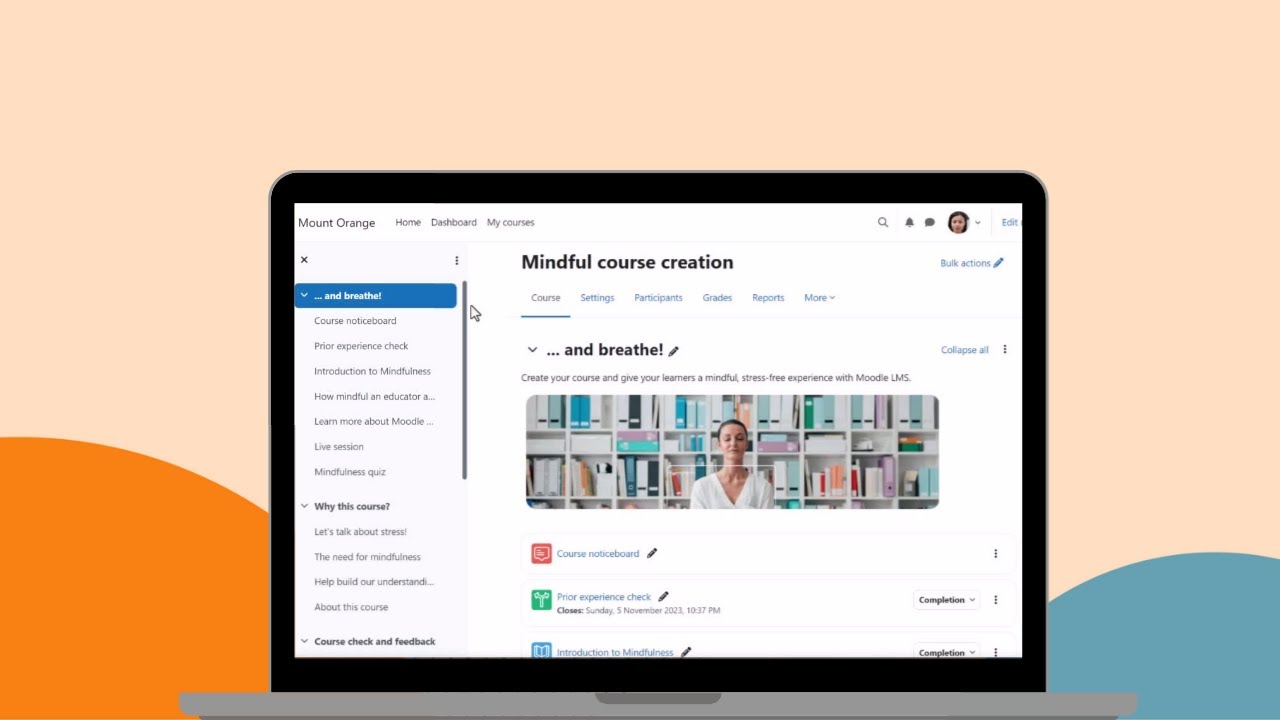
Quick summary
Why we picked Moodle?
Moodle's own docs say the software is free with no licensing fees. G2 shows 4.1 from 463 reviews, the lowest rating of the eight.
Pick it if someone on your team can run a web server, and you want to pay no license fee. You own the setup, and you can add plugins from a large community.
Skip it if you have nobody technical and want to start this week. A hosted tool such as TalentLMS is faster. Moodle’s own docs say you download it onto your own server if you are technically minded.
What reviewers raise: G2 shows 4.1 from 463 reviews. Of the 29 most recent written reviews we read (18 November 2026), 13 mention hard to learn or set up and 8 mention slow or buggy. These are keyword counts, so treat them as a floor. Capterra shows 4.3 from 3,390 reviews, read 18 November 2026.
What it costs: $0 for the software at any team size. Hosting, support and MoodleCloud prices were not on the pages we read. Source: the Moodle docs, read 18 November 2026.
Features
| Feature | Status |
|---|---|
| App | Free Moodle app for Android and iOS, with offline access |
| Languages | Translated into more than 120 languages, per the docs |
| License | Open source under the GNU General Public License, with no licensing fees |
| Support | Free 24/7 user forums and free Moodle Academy courses |
Moodle feature availability summary: App (Free Moodle app for Android and iOS, with offline access); Languages (Translated into more than 120 languages, per the docs); License (Open source under the GNU General Public License, with no licensing fees); and Support (Free 24/7 user forums and free Moodle Academy courses).
Security and compliance
| Standard | Status |
|---|---|
| Accessibility | WCAG 2.2 AA stated on moodle.com; the docs page says 2.1 AA |
| Certifications | Not listed on the page we read |
Moodle security and compliance summary: Accessibility: WCAG 2.2 AA stated on moodle.com; the docs page says 2.1 AA; and Certifications: Not listed on the page we read.
Integrations
| Integration | Status |
|---|---|
| Certified | A Certified Integrations program is listed on moodle.com |
| G2 listing | 15 integrations on the G2 listing, including BigBlueButton, Google Workspace and H5P |
Moodle integration summary: Certified: A Certified Integrations program is listed on moodle.com; and G2 listing: 15 integrations on the G2 listing, including BigBlueButton, Google Workspace and H5P.
Pricing
| Plan | Price | Best for |
|---|---|---|
| Download | $0 licence | Install on your own web server |
| MoodleCloud | Price not captured | Hosted by Moodle for individuals and small to medium organisations |
| Certified Partners | Price not captured | Hosting, setup and Moodle Workplace |
Pros and cons
What's great
- No licensing fees, per Moodle's docs
- Free 24/7 support forums
- Free app for Android and iOS
Watch-outs
- You host and maintain it, or pay a partner
- Lowest G2 rating of the eight, 4.1 from 463 reviews
- No price for MoodleCloud or partner hosting on the pages we read
Reviews
G2 4.1/5 from 463 reviews.
What reviewers mention most often, counted in the 29 most recent written reviews:
- Courses, content and features14 of 29 liked
- Customization and flexibility7 of 29 liked
- Ease of use6 of 29 liked
- Reports and tracking6 of 29 liked
- Hard to learn or set up13 of 29 raised as a complaint
- Slow or buggy8 of 29 raised as a complaint
- Price or cost5 of 29 raised as a complaint
- Mobile app4 of 29 raised as a complaint
How to choose trusted learning management software: five steps
- Name your learners. Staff, customers, partners or paying buyers. That one choice cuts the list to three or four tools.
- Count the people you’ll train. Up to 5, start with TalentLMS Free. Over 100, ask LearnUpon, Litmos, Docebo or Absorb LMS for a quote.
- Work out your yearly cost. Compare a flat plan such as TalentLMS Core with a per-user plan such as 360Learning. They cross at 15 users.
- Check the cap you’ll hit first. For TalentLMS that’s 40 users on Core. For LearnWorlds Starter it’s $5 per enrollment, and for Thinkific it is SCORM on Plus.
- Test one real course before you pay. TalentLMS, LearnWorlds and Thinkific offer a free plan or trial. Load one course, assign it to a test group and check the report.
Learning management software vendors we left off the list
These tools came up in search results and roundups. We did not read their pricing pages, so they stay off the list for now.
- Cornerstone OnDemand: Named in buyer searches for large companies. We did not read its pricing page.
- Adobe Learning Manager: Named in buyer searches for large companies. We did not read its pricing page.
- Skilljar: Named in buyer searches for customer training. We did not read its pricing page.
- Connecteam: A staff app with a training add-on. G2 shows 4.6 from 3,506 reviews, but its pricing page did not give us plan prices.
- CYPHER Learning: Named in buyer searches for quick course setup. We did not read its pricing page.
Honorable mentions: three more learning management software platforms to check
Solid tools that did not crack the main list but are worth tracking, especially for niche use cases.
- Zoho Learn: Free for 5 users with SCORM listed, and G2 shows 4.4 from 224 reviews. The paid price we read was in rupees, so we left it off the main list.
- iSpring LMS: Bills only for users who log in each month; the page shows $6.91 per user per month at 100 users, $8,286 a year. No price for smaller teams, and G2 shows 4.6 from 176 reviews.
- Trainual: Turns written procedures into training, and G2 shows 4.7 from 1,094 reviews. It lists no price and adds a $1,000 one-time setup fee.
Learning management software platform FAQs: what buyers ask before they pick
What is the best learning management software?
It depends on the job. TalentLMS for most companies, Litmos for compliance, LearnWorlds or Thinkific to sell courses, Moodle for no license fee.
Which learning management systems have the most G2 reviews?
Absorb LMS has 1,007, then TalentLMS 821, Docebo 752, Litmos 701 and 360Learning 661. Review volume is not the same as fit.
What is the cheapest LMS?
Moodle has no license fee, but hosting and support cost extra. TalentLMS is free for up to 5 users and 10 courses.
How much does an LMS cost for 25 users?
TalentLMS Core is $1,428 a year and 360Learning is $2,400. Docebo, Absorb LMS, LearnUpon and Disprz give quotes only.
When does a per-user LMS cost more than a flat one?
360Learning is $8 per user a month and TalentLMS Core is flat at $1,428 a year, so the two cross at 15 users.
Can an LMS run SCORM courses I buy elsewhere?
TalentLMS lists SCORM 1.2, Tin Can and cmi5 on every plan. Thinkific lists SCORM on its Plus plan only.
Which LMS fits customer and partner training?
Docebo's page says one platform serves employees, customers and partners. LearnUpon sells customer education from 300 users.
What do I use to sell online courses to customers?
LearnWorlds Pro Trainer has no enrollment fees, while Starter takes $5 per enrollment. Thinkific Start is $82 a month billed yearly.
Does a 20-person company need LearnUpon?
Its own pricing page says it is not a fit for fewer than 100 users, and prices are quote only.
What do users complain about most in LMS software?
Hard to learn or set up tops the G2 complaints for 7 of the 10 tools, counted in 30 recent reviews each. It is a keyword floor.